Managing an educational organization involves much more than teaching students.
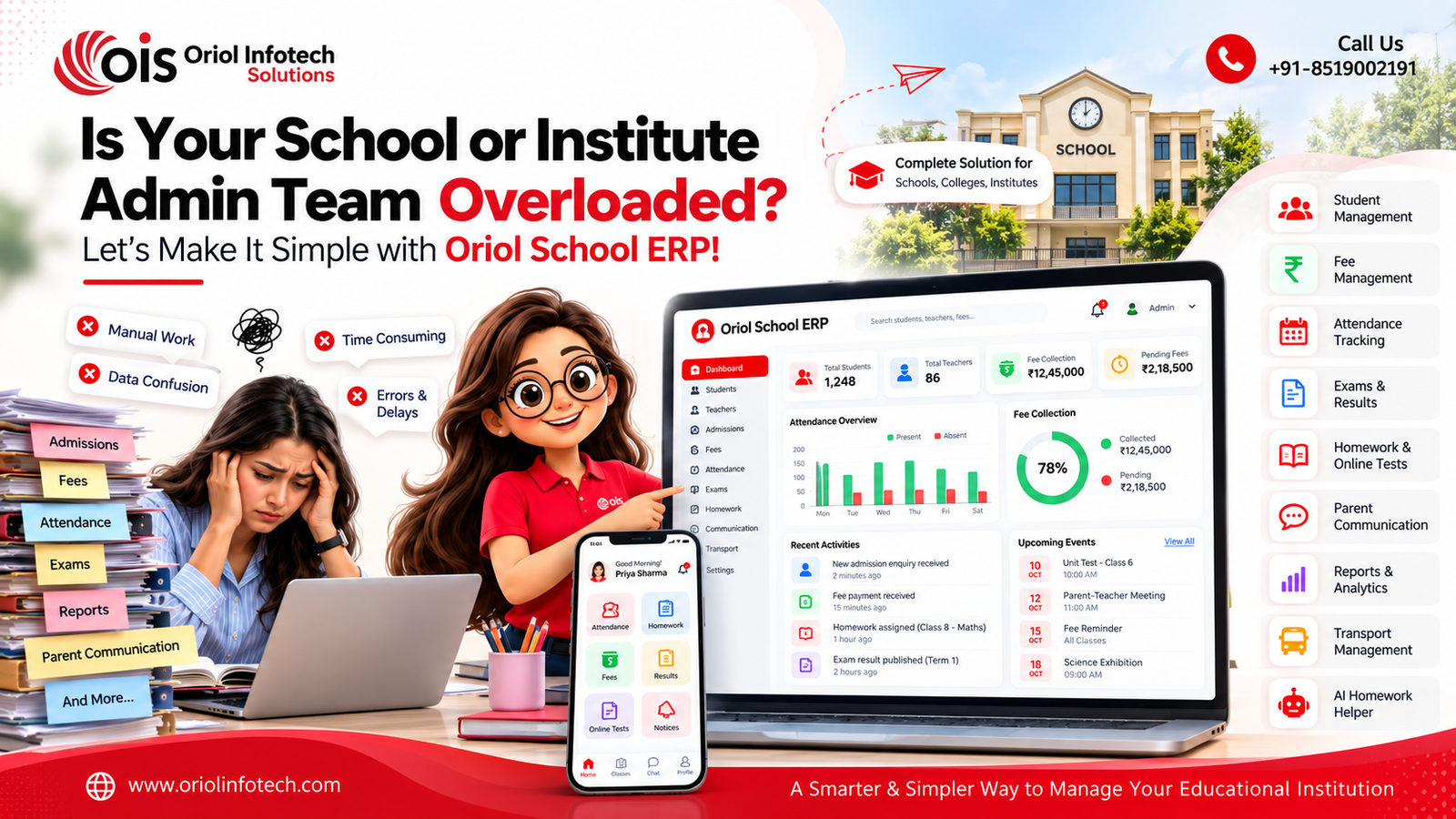
Schools, colleges, coaching institutes, academies and other educational organizations need to manage student admissions, fees, attendance, examinations, homework, teachers, communication, reports and many other daily activities.
When these processes are managed manually using registers, spreadsheets, separate applications and messaging platforms, it can become difficult to keep everything organized.
This is where School Management Software can help.
A modern school management system brings important academic and administrative activities together in one centralized platform, helping educational organizations manage their operations more efficiently.
In this guide, we'll explore what school management software is, the important features to look for, how it can benefit educational organizations, and how to choose the right solution for your requirements.
What Is School Management Software?
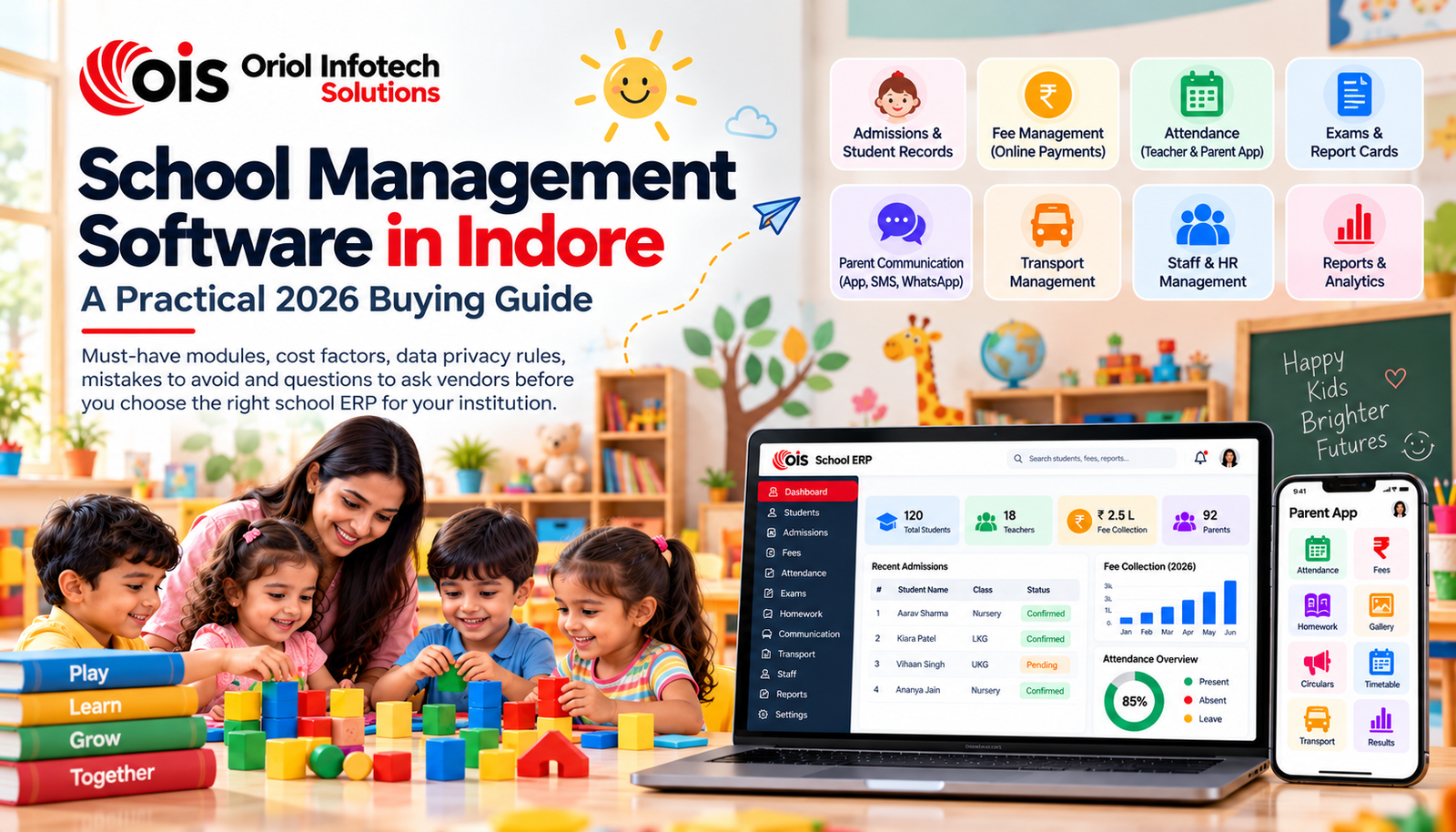
School Management Software is a digital platform designed to manage the academic, administrative and operational activities of an educational organization.
It can bring multiple functions together in a single system, including:
Student management
Admissions
Fee management
Attendance
Homework
Examinations
Results and report cards
Teacher management
Parent communication
Notifications
Reports and analytics
Mobile applications
Online tests
Academic management
Instead of maintaining different systems for different activities, administrators, teachers, students and parents can access the information relevant to their roles through a centralized platform.
Who Can Use School Management Software?
School management software is not limited to one type of educational organization.
Depending on the features and configuration, it can be used by:
Schools
Colleges & Educational Institutions
Education Groups
Organizations operating multiple schools, campuses or branches can also use centralized school management software to manage multiple locations from one system.
The exact modules can be configured according to the organization's requirements.
Why Do Educational Organizations Need School Management Software?
As the number of students, teachers and daily activities increases, managing everything manually becomes more difficult.
For example, an institution may need to manage:
Using separate spreadsheets and manual records for each process can increase administrative work.
A centralized school management system can bring these activities together and provide authorized users with access to the information they need.
Key Features of School Management Software
A complete school ERP can include multiple modules depending on the requirements of the institution.
1. Student Management
The student management module provides a centralized profile for each student.
It can store information such as:
This makes it easier for authorized staff to access and manage student information from one place.
2. Online Admission Management
Managing admissions manually can involve forms, documents, phone calls and spreadsheets.
A school management system can simplify the admission process through:
Online enquiry forms
Admission applications
Student registration
Document collection
Application tracking
Admission status
Student profile creation
This can help institutions organize admission enquiries and reduce repetitive administrative work.
3. Fee Management
Fee management is one of the most important parts of school administration.
School ERP software can help manage:
If online payment is integrated, parents can also make payments digitally and receive payment confirmation or receipts.
4. Attendance Management
Teachers can record student attendance through the software instead of maintaining manual registers.
Attendance management can include:
The exact notification options depend on the communication integrations configured in the system.
5. Homework Management
Homework management allows teachers to create and assign homework digitally.
Teachers can:
Students can access assigned homework through their login or mobile application, depending on the system configuration.
Parents can also track homework activities where parent access is provided.
6. AI Homework Helper
Modern education software can also include AI-powered learning features.
An AI Homework Helper can assist students in understanding academic questions and learning concepts.
Depending on how the AI feature is configured, students can use it to:
Ask questions
Understand concepts
Get explanations
Explore learning topics
Get guidance on homework
AI should be used as a learning assistant rather than simply providing answers without understanding.
This type of feature can add an additional layer of digital learning to a traditional school management system.
7. Online Tests and Examinations
Schools and institutes can manage assessments digitally through online test and examination modules.
Possible features include:
This can be particularly useful for institutions that conduct regular online assessments.
8. Examination & Report Card Management
Managing examination results manually can take significant administrative effort.
School software can help teachers and administrators manage:
Exam schedules
Subjects
Marks
Grades
Results
Report cards
Student performance
Academic records
Report cards can be generated based on the examination structure configured by the institution.
9. Teacher Management
Teachers are an important part of any educational organization.
A school management system can provide teacher-related features such as:
Teacher profiles
Assigned classes
Subjects
Attendance
Homework
Marks entry
Timetable
Academic activities
Teachers can have their own login or application with access based on their role.
10. Parent Portal & Parent App
Parents often need access to their child's academic and administrative information.
A parent portal or mobile app can allow parents to view information such as:
Attendance
Homework
Examination results
Report cards
Fee details
Notices
Announcements
Academic updates
This can reduce the need for parents to contact the school for routine information.
11. Student Login & Mobile App
Students can have their own login to access relevant academic information.
Depending on the features enabled, students can access:
Homework
Online tests
Study materials
Examination information
Results
Attendance
Notifications
AI learning assistance
A dedicated mobile app can make access more convenient for students.
12. Communication & Notifications
Effective communication between educational organizations and parents is important.
School software can support communication through features such as:
Announcements
Notices
Push notifications
SMS integration
WhatsApp integration
Email notifications
For example, an institution can send information about an upcoming examination, fee reminder, holiday or important announcement.
The available communication channels depend on the integrations implemented by the software.
13. School Dashboard & Reports
Administrators need an overview of what is happening across the institution.
A centralized dashboard can provide information such as:
Total students
Attendance summary
Fee collection
Pending fees
Admission enquiries
Examination performance
Teacher information
Academic activities
Reports can help administrators make decisions based on organized information rather than manually checking multiple records.
14. Role-Based Access
Not every user should have access to all school information.
A good school management system should support role-based access.
For example:
School Admin:
Can manage the overall system and institution settings.
Principal:
Can view academic, attendance, staff and administrative information.
Accountant:
Can manage fees, payments and financial reports.
Teacher:
Can manage attendance, homework, marks and assigned academic activities.
Student:
Can access homework, tests, results and other student-specific information.
Parent:
Can view information related to their child.
This helps keep information organized and limits access according to user responsibilities.
Benefits of School Management Software
1. Centralized Information
Student, teacher, fee and academic information can be managed through one platform instead of multiple disconnected records.
2. Less Manual Work
Automating repetitive administrative tasks can reduce the amount of manual data entry required from staff.
3. Better Parent Communication
Parents can receive relevant information through the available communication channels instead of relying entirely on phone calls or physical notices.
4. Easier Fee Management
Schools can track collections, pending fees, receipts and reports more systematically.
5. Better Academic Management
Attendance, homework, examinations and results can be managed through connected academic modules.
6. Accessible Information
Authorized users can access relevant information through web or mobile applications, depending on the software setup.
7. Improved Administrative Visibility
Dashboards and reports can give administrators a better overview of the institution's activities.
8. Scalable for Growing Institutions
A well-designed system can be expanded with additional modules, users, branches and integrations as the organization grows.
School Management Software vs. Manual Management
With manual management, information may be distributed across:
This can make it difficult to maintain consistent and updated information.
With school management software, these activities can be brought into a centralized system.
The goal is not simply to digitize paperwork. The bigger objective is to create a connected workflow between administration, teachers, students and parents.
Ready-Made vs Custom School Management Software
Educational organizations generally have two options when selecting school software.
Ready-Made School ERP
A ready-made school ERP provides predefined modules that can be configured for an institution.
It can be suitable for organizations that have standard requirements and want to start quickly.
Advantages
Faster implementation
Existing modules
Standard workflows
Easier initial setup
Considerations
Some processes may not match your existing workflow
Custom features may require additional development
Integrations may depend on the vendor
Custom School Management Software
Custom school software is developed according to the specific requirements of an institution.
It can be useful when an organization needs specialized workflows, custom reports, unique academic structures or integrations.
Advantages
Considerations
A Hybrid Approach Can Also Work
An institution does not always have to choose between completely ready-made software and completely custom software.
A practical approach can be a ready school management platform that can be customized according to the institution's requirements.
For example, an organization may start with:
Student management
Admissions
Fees
Attendance
Homework
Exams
and later add:
Parent app
Student app
Online tests
AI Homework Helper
WhatsApp integration
Advanced reports
Multi-branch management
This allows the software to grow along with the organization.
How to Choose the Right School Management Software
Before selecting a school ERP, don't choose only based on screenshots or pricing.
Evaluate the actual workflow.
1. Identify Your Requirements
Make a list of the problems your institution wants to solve.
For example:
Fee management
Attendance
Homework
Exams
Parent communication
Admission management
Student mobile app
2. Check the Available Modules
Make sure the software actually includes the modules you need.
Don't assume a feature is included just because it appears in the product brochure.
3. Request a Live Demo
Ask the vendor to demonstrate the actual software.
Ideally, show them your:
Fee structure
Class structure
Examination pattern
Report card requirements
This will help you understand whether the system fits your workflow.
4. Check Mobile Applications
If parents, students and teachers will use mobile applications, test the actual experience before implementation.
5. Check Data Security
Ask:
Where is the data stored?
Who can access it?
How are user permissions managed?
Are backups maintained?
Can the institution export its data?
6. Check Support
Software implementation doesn't end after installation.
Ask about:
Training
Technical support
Updates
Maintenance
Response time
Data migration
7. Understand the Pricing
Ask for a complete quotation covering:
Initial setup
Software subscription
Mobile apps
Customization
Data migration
Training
Support
SMS/WhatsApp charges
Payment gateway charges
Renewal costs
Common Mistakes When Choosing School Software
Buying Only Based on Price
The cheapest software may not always be the best fit.
Choosing Too Many Features
You don't necessarily need every available module from day one.
Start with the features that solve your most important problems.
Not Testing the Parent Experience
If parents find the application difficult to use, your administrative workload may not decrease.
Ignoring Data Ownership
Make sure you understand how your organization's data can be exported and managed.
Skipping Staff Training
Even good software can be difficult to adopt if staff members are not properly trained.
Not Planning Implementation
Data migration, user creation, training and testing should be planned before the software goes live.
How Oriol Infotech Solutions Can Help
At Oriol Infotech Solutions, we provide software development solutions for educational organizations, including School Management Software and customized education technology solutions.
Our school management platform can bring important academic and administrative activities together in one system.
Depending on the requirements, the solution can include:
Student Management
Admission Management
Fee Management
Attendance Management
Homework Management
Online Tests
Examination Management
Report Cards
Teacher Management
Parent Management
Student Login
Parent App
Teacher App
Notifications
Reports & Analytics
AI Homework Helper
Custom Modules
Multi-branch Management
We can also customize the system according to the specific requirements of a school, college, coaching institute, academy or other educational organization.
The exact modules and features can be configured based on your institution's workflow.
Build a Smarter Education Management System
Managing an educational organization becomes easier when administrative and academic processes are connected.
A modern School Management Software can help bring student records, admissions, fees, attendance, homework, examinations, communication and reporting into one centralized platform.
Whether you are running a school, college, coaching institute, academy or educational organization, the right software should be selected according to your actual requirements—not simply based on the number of features or the lowest price.
If you're planning to digitize your institution or upgrade your existing school ERP, Oriol Infotech Solutions can help you explore the right solution for your requirements.
Want to See the School Management Software in Action?
Book a demo with Oriol Infotech Solutions and explore how the platform can be configured for your educational organization.
WhatsApp / Call: +91-8519002191
Email: info@oriolinfotech.com
Website: www.oriolinfotech.com